A professional PTZ camera mounted on a steel mast, overlooking a warehouse and its loading yard
Our solutions

Video surveillance

See, understand and act.

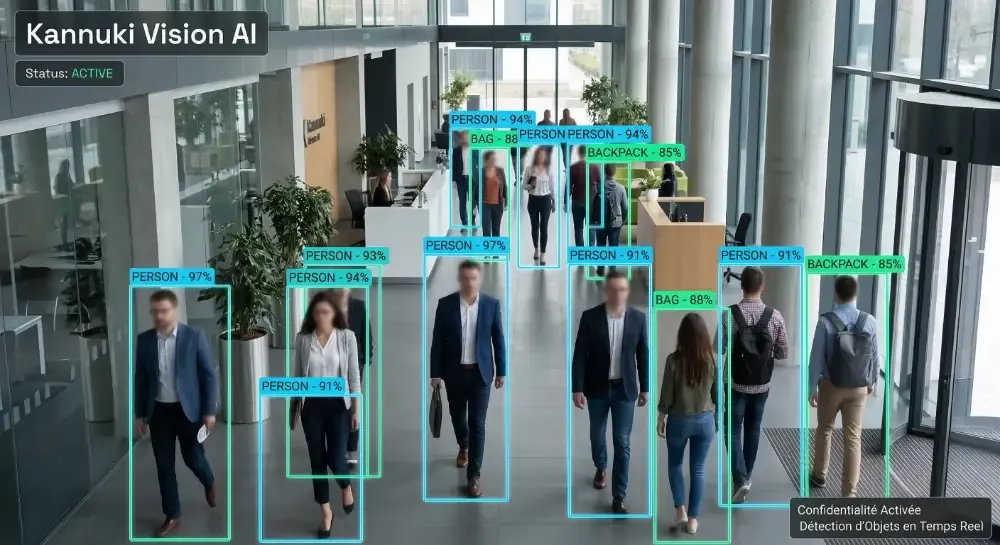
Protect your buildings and their surroundings with video that helps you act. AI flags the events defined for your site; your team receives alerts, checks the footage and decides what to do.

An interactive security scenario

Detect. Follow. Take action.

From a perimeter crossing to the security desk, follow the sequence in 3D. Then become the operator.

Warehouse perimeter surveillance
Warehouse security control room
Kannuki

Security desk

Intrusion alert.

The alert reaches the team. Check the live images, then take control.

INTERACTIVE DEMONSTRATION · LOGISTICS SITE
Perimeter armedAutomatic mode
Fixed perimeter coverageDirectional PTZ field

Fixed cameras watch the boundary.

A virtual ground line defines the protected yard. The scenario starts with someone outside the boundary.

Illustrative scenario. Detection, camera coordination, tracking and alerts depend on compatible equipment, integration and rules configured for your site.

  • Less time continuously watching screens
  • Events focused on your priorities
  • Faster video investigations

Your daily operations

From detection to verification.

01

Protect your perimeter

Define virtual lines and zones around fences, car parks and entrances. Flag intrusions, crossings or prolonged presence according to your chosen rules.

02

Receive relevant alerts

Distinguish people and vehicles to focus on relevant events. Real-time alerts follow the rules, recipients and connectivity configured for your site.

03

Search by visible details

Search compatible footage for people or vehicles by object type or attributes such as clothing or vehicle colour.

04

Use advanced AI search

Compatible platforms support natural-language queries and image-based similarity search, reducing time spent reviewing recordings.

05

Oversee multiple sites

View footage remotely and centralise user permissions. An appropriate architecture can retain recordings on site while supporting management across locations.

06

Maintain system availability

Review device status, technical events and audit logs. Maintenance and updates support the day-to-day operation of your system.

In practice

One event. A coordinated response.

Example: someone enters a storage area after closing time.

Perimeter detection and video verification

Illustrative scenario · Adapted to your site

  1. 01

    Detect

    A rule flags the zone crossing.

  2. 02

    Alert

    The event reaches designated staff.

  3. 03

    Verify

    An operator checks the associated footage.

  4. 04

    Act

    The team follows the site response procedure.
01 / Vehicle access

Your plate opens the way.

Read a plate, check the authorised list and time slot, then trigger the parking barrier.

Illustration of a vehicle at a camera-equipped parking entrance
LOCAL SIMULATION · FICTIONAL PLATES

Try the vehicle entrance.

—Simulated reading
  1. 01Plate reading
  2. 02Authorisation check
  3. 03Barrier command

Choose a vehicle and start a simulated read.

Illustrative scene. ANPR requires a suitable camera; barrier control requires compatible wiring and configured access rules. No equipment is controlled here.

A solution suited to your needs

Choose the level of response.

Essential

Record and review

Record sensitive areas and check events using footage. Motion alerts follow the configured rules.

AI

Detect and notify

Use compatible camera analysis to target people, vehicles and configured crossings.

BLAZE

Coordinate and investigate

Combine rules and compatible actions: notification, PTZ orientation, recording and advanced video search.

AI functions, alert delivery and advanced search depend on the selected cameras, software and licences.

Your questions

A few useful details.

Does AI make the decision?

Analysis detects the events configured for the site. An operator checks the footage and decides how to respond. The selected rules and cameras determine the available functions.

What can I search for in recordings?

Depending on compatible equipment, searches can use time, camera, object category or visible attributes. Similarity and natural-language search require specific platforms and equipment.

How do you account for privacy?

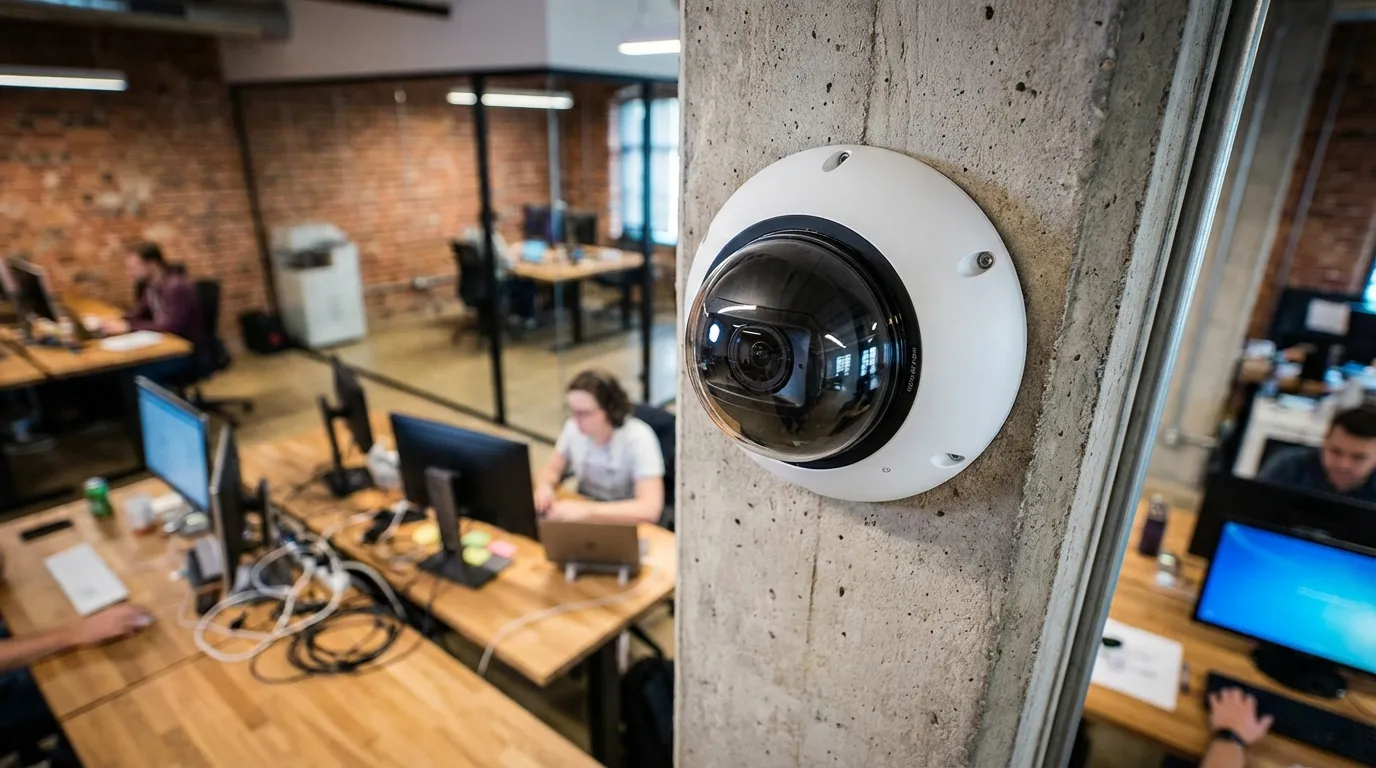
We assess camera placement, masking options and user permissions as part of the project. Masking can limit visible personal details; it does not by itself establish compliance.

Let’s start with your needs

Let’s discuss
your project.

Tell us about your premises, your team and what you would like to simplify. We will study the right approach together.

Discuss my project06 81 75 93 09Paris & Île-de-France