An authorised person
The visitor’s identity and collection permissions are defined before handover.
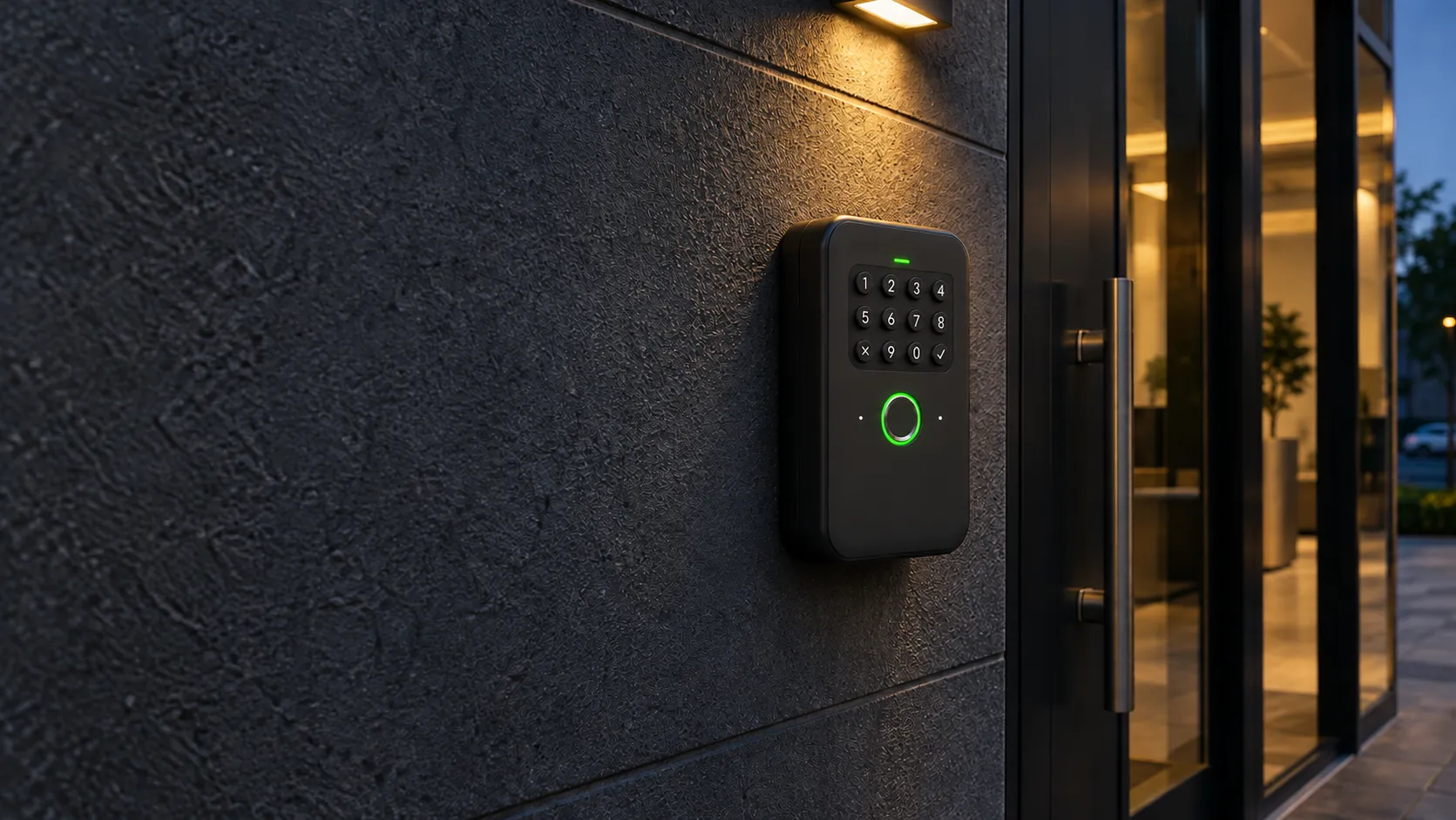
Physical key management
Some doors still use a mechanical lock. Kannuki organises key handover, identifies the last recorded holder and keeps a return history.
In practice
The visitor’s identity and collection permissions are defined before handover.
A compatible connected box gives access to the key during the agreed period.
An individual NFC tag identifies the key when it is returned.
Recorded steps help you check whether the key is available again.
Software meets the site
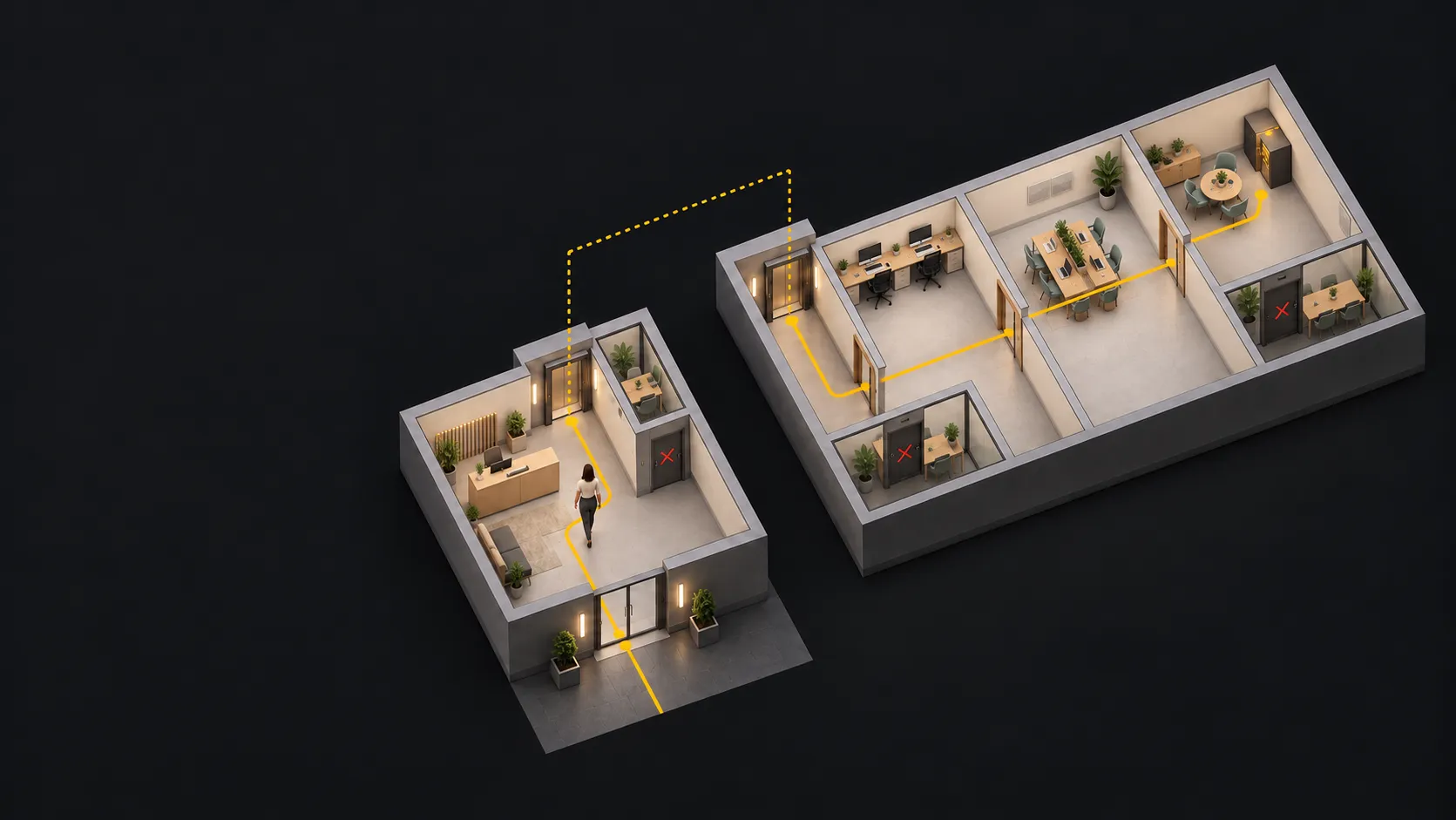
Technical rooms, storage and parking: a connected key box helps organise access where mechanical keys remain necessary. The Manager brings authorisation, assignment and recorded return together.
Tracking relies on recorded and confirmed steps. It shows the last known holder, not the key’s geographical location.
Explore Kannuki ManagerThe process
Identify the person and key.
A temporary code opens the box.
Record collection in the person’s name.
Identify the key via NFC and confirm its return.
Useful details
A key box lets you retain mechanical keys. Its location, fixing and handover conditions are assessed for your site.
No. The NFC tag identifies a key during a nearby scan. The Manager keeps the last recorded holder and confirmed returns.
Let’s start with your needs
Tell us about your premises, your team and what you would like to simplify. We will study the right approach together.