Assign the right permissions
Organise permissions by person, door and time slot. Adjust them as people join, change roles or leave.
ACCESS CONTROL & KEY MANAGEMENT
Decide who can enter, where and when. Kannuki simplifies access for employees, visitors and providers, including digital permissions and secure handover of the physical keys you still need.
Simplify my access management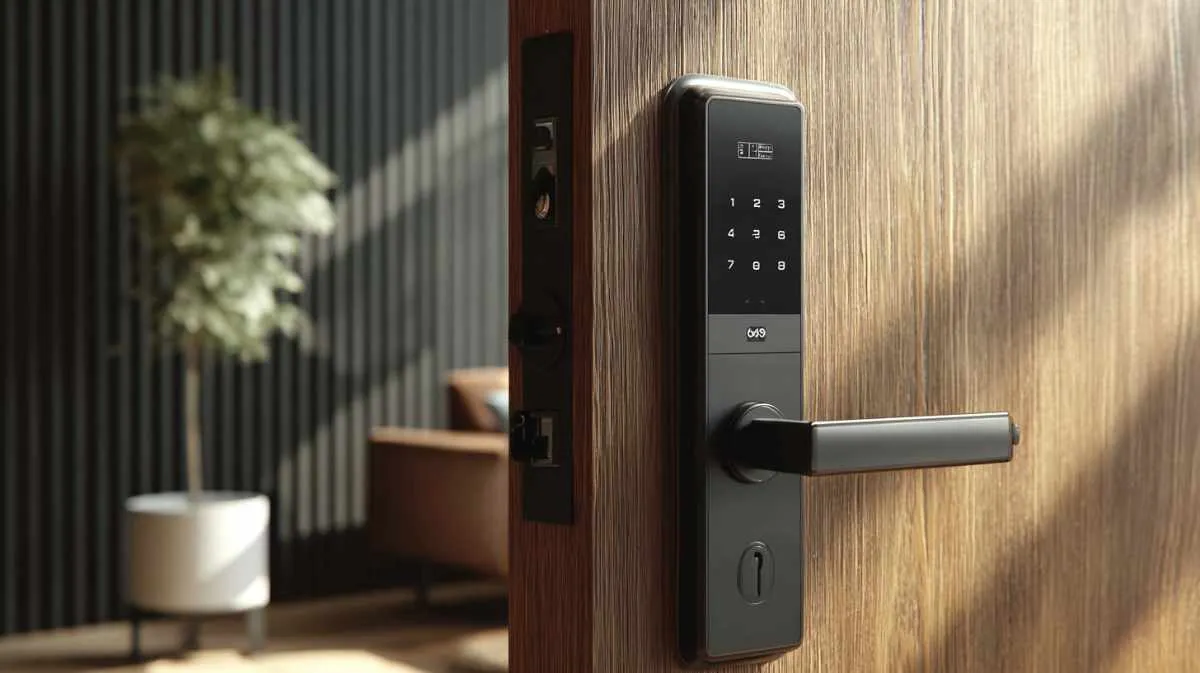
PRACTICAL BENEFITS
Organise permissions by person, door and time slot. Adjust them as people join, change roles or leave.
Prepare temporary access for a provider or visitor, with a duration and opening method suited to their visit.
Smartphone, badge or code: we select opening methods suited to your users and equipped doors.
Grant or revoke permissions from the management interface, depending on the deployed equipment and connection.
Link each key to an authorised person. A temporary code enables handover, an NFC tag identifies the key on return and the history retains the last known holder.
Explore integrations with your business software to support bookings, stays and team changes, depending on available connections.
DIGITAL ACCESS & PHYSICAL KEYS
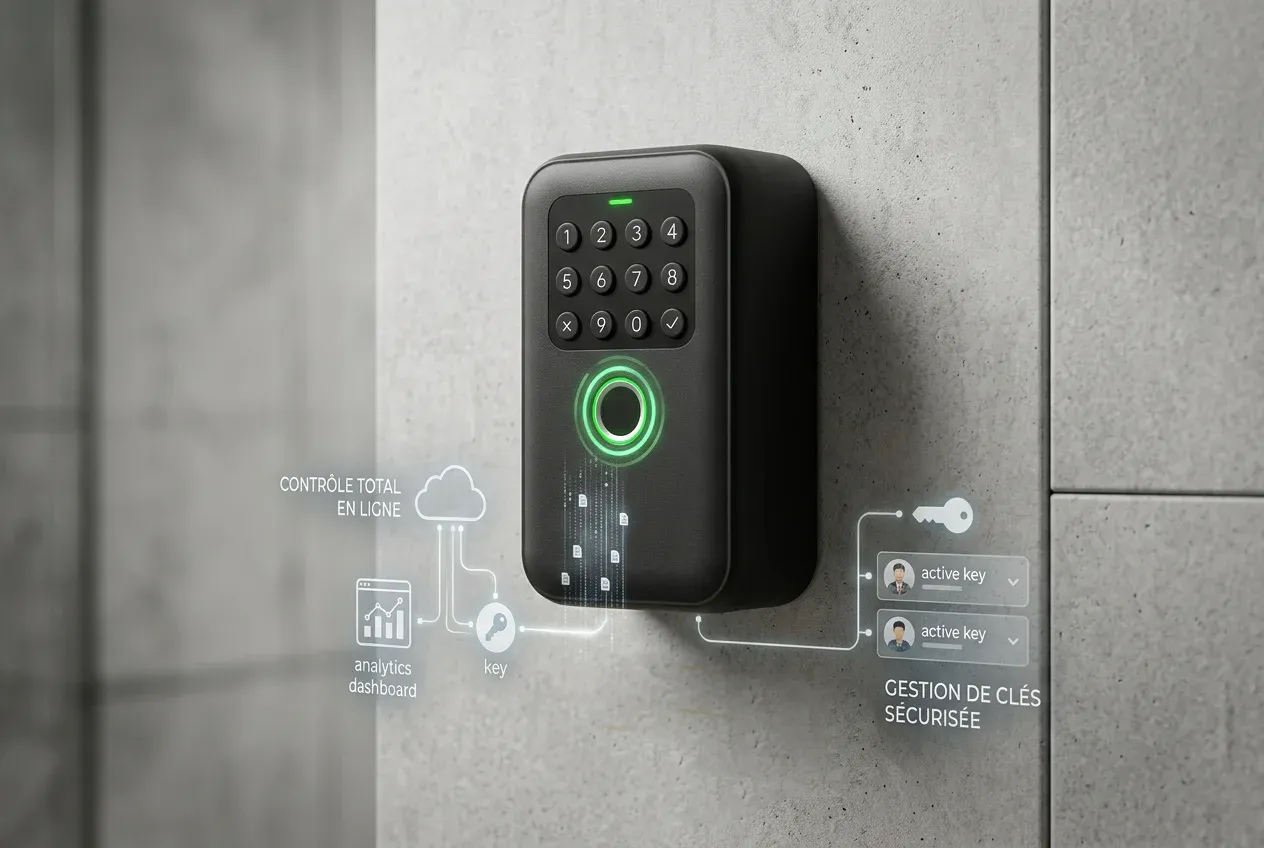
Kannuki extends digital access management to physical keys. A TTLock-compatible connected key box handles the handover; Kannuki links the authorised person, temporary code, the key's NFC tag and its return history.
Kannuki links the authorised person to a key and creates a unique temporary code to open the box.
Collection is recorded in that person's name, making them the last known holder.
The NFC tag attached to the key identifies it and starts the return process at the box.
Once the return is confirmed, the key is available again. The log shows who collected it and when.
Hall A key set, return pending
Last known holder: Alex, Alpha Nettoyage
HOW IT WORKS
Kannuki records responsibility from authorisation to confirmed return.
Identify the person and key.
A unique temporary code opens the box.
Collection is recorded in that person’s name.
The key’s NFC tag starts handback.
The return is recorded; the key is available again.

EQUIPMENT & INTEGRATION
We assess your existing installation to select useful equipment and organise consistent access management.
Opening methods, remote management and integrations depend on the selected equipment and configuration.
Explore Kannuki Manager