Online
Main entrance
Orion campus · Building A
▱ 78%
Kannuki Manager
Keep an overview of equipment and authorised people. At the office or on site, your management tools stay within reach.

Interactive demonstration
Equipment · Physical keys · Access · Activity
Try the demo ↗Explore the Manager
Explore the equipment, select a key or create a sample access.
ACCESS & KEY MANAGEMENTDEMOYOUR CONNECTED EQUIPMENT
3 sample devices
Orion campus · Building A
Orion campus · Building A
Orion campus · Building B
YOUR MANAGEMENT SPACE
Available
01Sample inventoryProbable collections
00Sample inventoryCollections to verify
01Sample inventoryReturns to confirm
01Sample inventoryYOUR ACCESS
YOUR SITE ACTIVITY
Independent visual demo · Fictional data · No connected equipment
In practice
Arrange equipment and permissions around your sites, with a clear structure for the teams using them.
Assign access to visitors and providers, with time periods and permissions suited to each task.
Review assignments, the last recorded holder and confirmed returns of your physical keys.
Review available lock and gateway information. Battery alerts help you prepare maintenance visits.
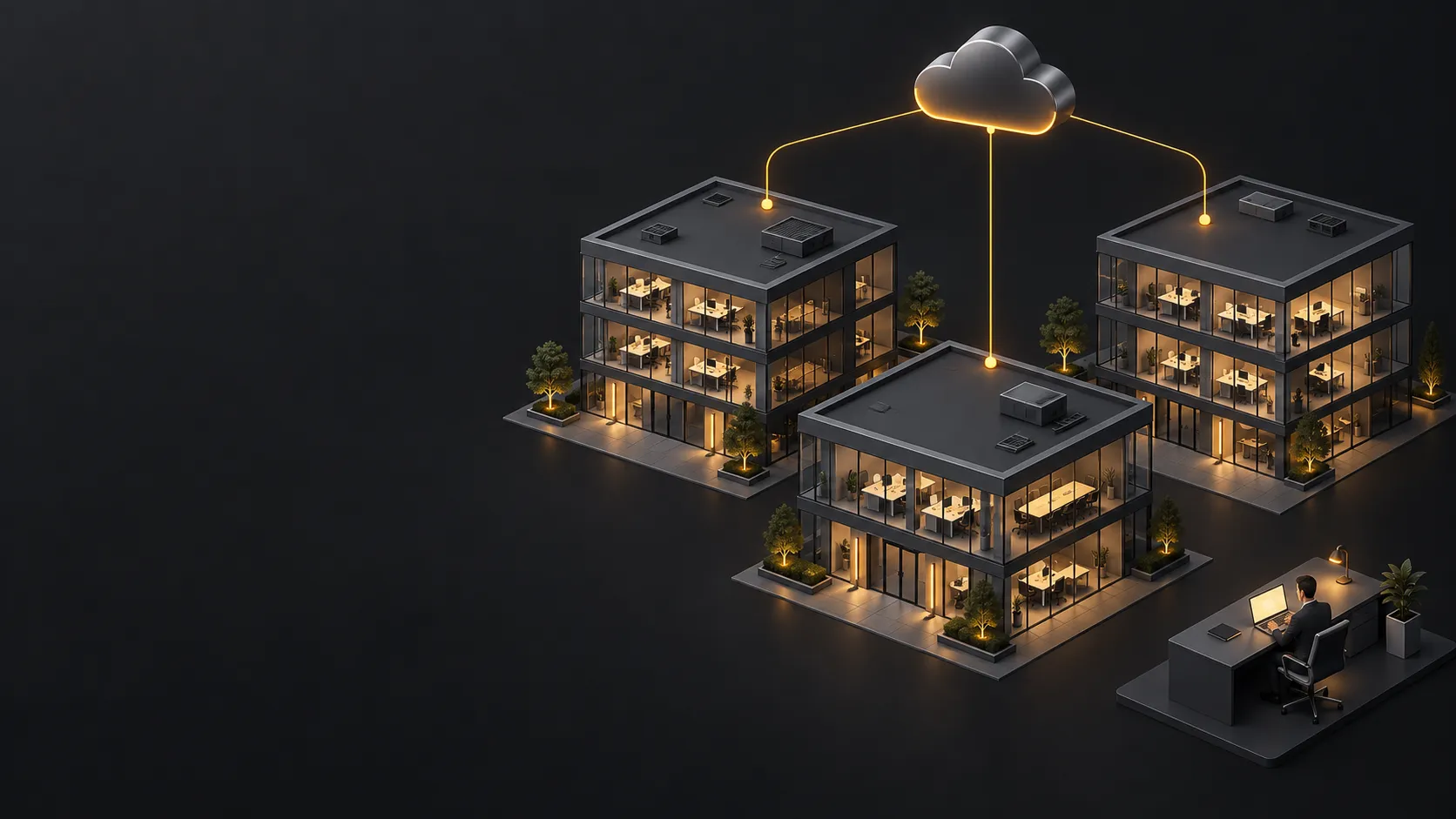
Web & mobile
Prepare permissions and visits on the web. On site, use the available mobile app functions to support your team close to the equipment.
Available functions depend on equipment, user permissions and connectivity. The preview uses sample data.
The process
Identify sites, doors and people.
Set permissions and access periods.
Check activity and assigned keys.
Adapt permissions as your needs change.
Useful details
Yes. Key management links authorisation, collection, the last recorded holder and confirmed return. An NFC tag identifies the key on return.
Equipment and access can be organised for a portfolio of sites. We define manager permissions and the right configuration with you.
Let’s start with your needs
Tell us about your premises, your team and what you would like to simplify. We will study the right approach together.